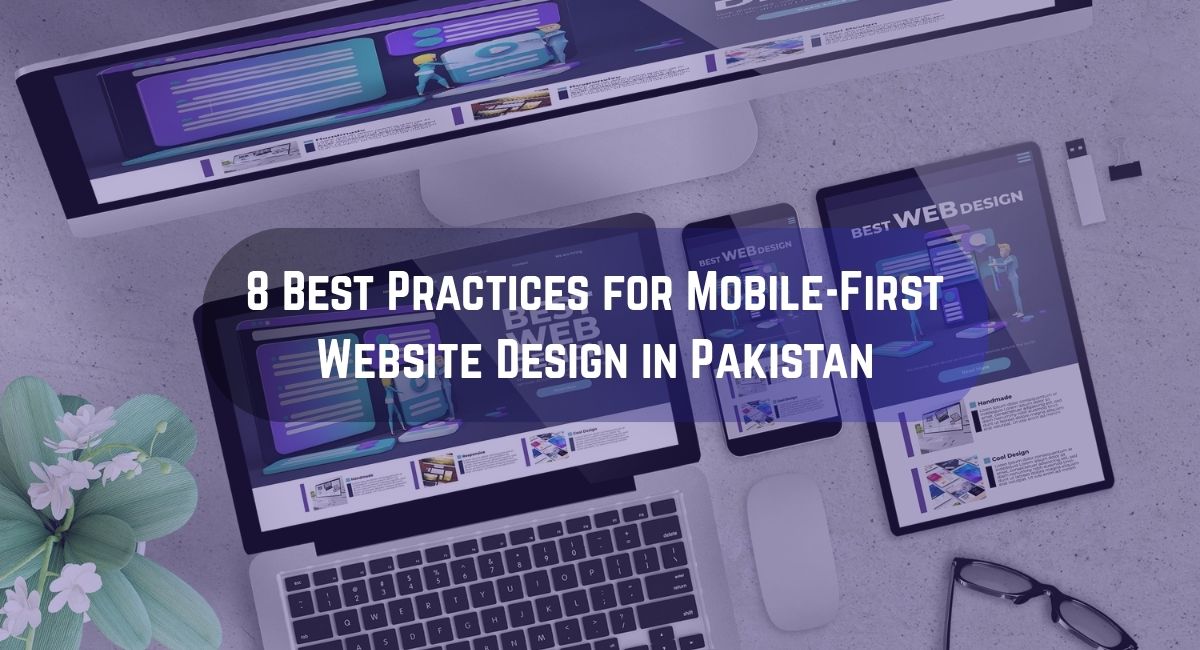
The way people browse the internet has changed dramatically over the past decade. Mobile phones have become the main gateway to the web, especially in countries like Pakistan where the majority of users access websites directly from their smartphones. This shift has completely transformed how websites should be designed and optimized.
A website today is not just a digital brochure; it is the center of your brand’s online presence. Whether you run an online store, a service company, or a content platform, your website must perform perfectly on mobile devices. That is why mobile-first website design has become the standard approach for developers and businesses alike.
In this guide, we’ll explore the 8 best practices for mobile-first website design in Pakistan, giving you practical steps to create responsive, fast, and user-focused sites that perform equally well on every device. These insights apply to both local startups and international businesses looking to strengthen their digital presence.
If you are already considering an upgrade or redesign, exploring custom web development services can be a valuable next step to ensure that your website aligns with modern usability and performance standards.
What Mobile-First Design Means
Before diving into the best practices, it is important to understand what mobile-first design truly means.
Mobile-first design starts from the smallest screen size and then expands the design as the screen size increases. This approach focuses on essential content and features that users need most while ensuring that everything loads quickly and functions smoothly on handheld devices.
In Pakistan, where internet users rely heavily on mobile connections, this approach is especially important. A mobile-friendly experience means faster load times, higher engagement, and better search visibility. Google also favors mobile-first websites when ranking pages, which gives an additional SEO advantage.
When you begin designing for mobile first, you automatically remove unnecessary clutter and prioritize what matters most for your visitors. This mindset leads to cleaner, faster, and more goal-oriented websites.
1. Start with Simplicity and Hierarchy
A successful mobile-first design begins with simplicity. On small screens, users do not have time or space for unnecessary details. They want to find information quickly and interact easily with your site.
Start by defining a clear content hierarchy. This helps you organize information in order of importance. Headlines, subheadings, buttons, and visuals should guide users effortlessly from one section to another.
Some useful techniques include:
- Keeping your main message and actions above the fold
- Using short, clear headlines that immediately communicate value
- Avoiding excessive menus or overlapping features
- Ensuring plenty of white space between elements
For eCommerce websites, simplicity directly affects conversion rates. Many successful online stores in Pakistan have improved sales by adopting clean mobile layouts that focus on speed and easy navigation. You can explore eCommerce web development solutions to understand how professional teams implement simplicity without losing creativity.
Example Table: Comparing Mobile and Desktop Priorities
| Design Element | Mobile Priority | Desktop Priority |
| Navigation | Simplified hamburger menu | Full visible menu |
| Images | Compressed and minimal | Large banner visuals |
| Text | Short and scannable | Detailed paragraphs |
| Call to Action | Prominent and thumb-accessible | Multiple secondary CTAs |
| Forms | Short, essential fields | Complete detailed form |
Simplicity not only improves usability but also makes your content easier to read and more visually appealing.
2. Optimize for Page Speed
Speed is one of the most important ranking factors in mobile-first design. A website that takes more than three seconds to load risks losing most of its visitors. This issue becomes even more critical in Pakistan, where internet speeds can fluctuate depending on region and network strength.
To improve performance, focus on these practices:
- Compress images using tools like TinyPNG or WebP formats
- Use caching plugins and Content Delivery Networks (CDNs)
- Minify CSS, HTML, and JavaScript files
- Enable lazy loading for images and videos
- Avoid excessive third-party scripts that slow down rendering
Each second saved can have a direct impact on conversions and bounce rates. For consistent optimization and maintenance, professional web speed optimization services can help you keep performance high and user frustration low.
When your site loads quickly, users stay longer, interact more, and are more likely to return.
3. Responsive Design for All Devices
Responsive design means your website layout adapts to any screen size. From smartphones and tablets to laptops and large monitors, the content should automatically fit and look natural.
A responsive website saves you from maintaining multiple versions of the same site. It ensures a unified brand experience for all users.
Best practices include:
- Using fluid grids that scale elements proportionally
- Setting relative font sizes and spacing units
- Testing designs across various devices and browsers
- Avoiding fixed-width layouts that break on small screens
- Designing for both portrait and landscape orientations
Pakistan’s growing eCommerce and digital industries rely heavily on responsive web experiences. Businesses that fail to provide them often lose valuable customers to competitors. Partnering with expert web design professionals ensures your website remains consistent and fully responsive no matter where it’s viewed.
4. Simplify Navigation for Mobile Users
Navigation plays a big role in how easily users can explore your website. On mobile, screen space is limited, so it’s essential to design an intuitive menu that doesn’t overwhelm visitors.
Effective navigation encourages exploration and helps users complete actions faster.
Consider these strategies:
- Replace long menus with a simple hamburger icon
- Keep menu options short and descriptive
- Use a sticky header so navigation stays visible while scrolling
- Make the search bar easily accessible at the top
- Use large, tap-friendly buttons with clear labels
If you are developing a corporate or service-oriented website, intuitive navigation is vital. You can learn more about user-friendly structures through services website development, which focuses on organized layouts and smart navigation.
A well-thought-out navigation design improves both usability and conversions, especially for users visiting your site for the first time.
5. Create Readable Content and Balanced Visuals
The way your content is displayed on mobile devices greatly affects engagement. Many websites lose readers because of small fonts, dense paragraphs, or visuals that load too slowly.
Focus on clarity and readability by applying these techniques:
- Use legible font sizes (minimum 16px for body text)
- Maintain a consistent line height and spacing for comfort
- Avoid long text blocks; use short paragraphs and bullet points
- Choose color contrasts that enhance visibility
- Use lightweight visuals that support the message rather than dominate it
For brands looking to strengthen their online messaging, website copywriting services can help craft engaging, concise content tailored for mobile audiences.
Visual balance is equally important. Images, icons, and videos should complement the text instead of distracting from it. Use them strategically to emphasize key points and improve comprehension.
Readable content combined with balanced visuals results in a smoother, more satisfying user experience.
6. Optimize for Local SEO and Mobile Search
A mobile-friendly website is only effective when people can find it easily. That’s where mobile SEO and local optimization come in.
In Pakistan, mobile users frequently search for nearby services, restaurants, or stores. If your website is not optimized for these searches, you could miss out on valuable traffic.
To improve visibility:
- Add local keywords and relevant metadata
- Integrate Google Maps with your contact details
- Optimize images with descriptive alt tags
- Use structured data for better indexing
- Register and maintain your Google My Business profile
Businesses can also benefit from specialized local SEO services that improve rankings for location-based searches. Pairing SEO with design ensures your site is both discoverable and user-friendly.
Additionally, consider technical elements such as mobile sitemaps, AMP pages, and optimized internal linking. This strengthens your website’s authority and helps search engines crawl it efficiently.
10 Best Google My Business Optimization Tips
7. Focus on Touch Interactions and Accessibility
Mobile-first design goes beyond appearance; it must also be easy to use. Since mobile users interact through touch rather than clicks, every button, link, and element should respond intuitively.
Here is how to make your site more touch-friendly:
- Keep clickable elements large enough for thumbs (minimum 44×44 pixels)
- Maintain space between buttons to prevent accidental taps
- Use descriptive labels instead of icons alone
- Avoid hover-only interactions that don’t work on mobile screens
- Test your design with real users to ensure comfort and clarity
Accessibility should also be built into the design process. Include text alternatives for images, high-contrast color schemes, and readable font choices. These improvements make your website inclusive for all users.
If your business uses WordPress, professional WordPress development services can ensure that accessibility and responsiveness are implemented correctly from the start.
8. Test, Measure, and Continuously Improve
No mobile-first design is perfect on the first attempt. Ongoing testing and improvement are essential for long-term success. User behavior, technology, and design trends evolve constantly, so your website should evolve too.
Regular testing helps you understand how visitors use your site, which areas need improvement, and how design changes affect performance.
Effective testing methods include:
- Conducting A/B tests for layouts and call-to-action buttons
- Reviewing heatmaps to see where users click most
- Monitoring site metrics such as bounce rate, dwell time, and conversions
- Running audits using Google PageSpeed Insights and Lighthouse
- Tracking Core Web Vitals like loading speed and stability
The following checklist can help you plan ongoing improvements:
| Area | Tool/Method | Frequency | Objective |
| Site Performance | PageSpeed Insights | Monthly | Keep load times under 3 seconds |
| Usability | User Testing | Quarterly | Identify navigation or readability issues |
| SEO | Technical Audit | Monthly | Maintain mobile index health |
| Content | Analytics Review | Monthly | Improve engagement and retention |
| Security | Audit and Maintenance | Bi-monthly | Prevent vulnerabilities |
If managing updates and performance seems time-consuming, you can rely on expert website management solutions that handle ongoing optimization, updates, and security monitoring for you.
Continuous improvement ensures that your website stays competitive and aligned with user expectations.
Why Mobile-First Design Matters
The digital environment in Pakistan has expanded rapidly in recent years. Affordable data plans, improved mobile coverage, and a young population have all contributed to this growth. Today, most people use their phones as their primary tool for online browsing, shopping, and communication.
Ignoring mobile optimization means losing access to a large portion of potential customers. Users expect websites to load quickly, look appealing, and work flawlessly on any device. A mobile-first approach directly meets these expectations.
Websites built using modern frameworks such as responsive web development achieve better engagement, higher retention, and stronger brand trust.
By prioritizing mobile experiences, you are not just keeping up with technology—you are aligning your brand with how real people interact online.
Additional Tips for Businesses Adopting Mobile-First Design
- Begin with a mobile usability audit to identify weaknesses.
- Use analytics to see which devices your visitors use most often.
- Choose scalable platforms such as Webflow or Shopify for flexible growth. If you run an online store, explore Shopify web development to build a smooth and mobile-optimized shopping experience.
- Prioritize fast-loading media above all else.
- Make sure your calls-to-action are visible without scrolling.
- Optimize mobile checkout processes with fewer steps.
- Integrate mobile-friendly payment methods like Easypaisa, JazzCash, and PayPal.
- Connect your mobile website to social media for better reach.
- Review analytics monthly to refine and improve user flow.
Small adjustments can have a big impact on engagement and conversions. Businesses that regularly test and evolve their design see consistent improvements in traffic and sales.
Frequently Asked Questions (FAQs)
1. What makes mobile-first design different from traditional web design?
Mobile-first design begins with creating layouts and features for mobile devices first, then scaling up for larger screens. Traditional design often starts from desktop and adapts down, which can cause usability problems on smaller screens.
2. Why is mobile-first design essential for businesses in Pakistan?
Most users in Pakistan access websites from mobile phones. Designing mobile-first ensures faster load times, easier navigation, and improved customer satisfaction.
3. How does mobile-first design affect SEO?
Google’s ranking system now uses mobile-first indexing. Websites optimized for mobile performance tend to rank higher, especially in competitive industries.
4. What tools can help test my website’s mobile responsiveness?
You can use Google’s Mobile-Friendly Test, Chrome DevTools, BrowserStack, and Lighthouse to analyze responsiveness and performance metrics.
5. How often should mobile design be updated?
It’s best to review and refresh your website’s design every 12 to 18 months or whenever major technology updates occur.
6. Can WordPress websites be mobile-first?
Yes, WordPress themes can be customized for mobile-first responsiveness. Many WordPress development experts in Pakistan specialize in creating mobile-optimized websites.
7. What are common mistakes to avoid in mobile-first design?
Overusing animations, small fonts, cluttered layouts, slow images, and ignoring accessibility are common issues. Always test your website on real devices before launch.
Conclusion
Building a mobile-first website is more than a design trend; it’s a practical necessity in today’s connected world. Users in Pakistan, like everywhere else, expect websites to load fast, look appealing, and deliver value instantly. When your website meets these expectations, it becomes a powerful tool for building trust and driving sales.
By focusing on simplicity, performance, responsive design, accessibility, and continuous improvement, you create a website that not only attracts users but keeps them coming back.
If you are ready to take the next step and create a mobile-first experience that truly represents your brand, explore Buzz Marketing. The team offers professional web design and development services that combine creativity, technology, and SEO best practices to deliver websites built for today’s mobile world.
A mobile-first approach is not about keeping up with trends. It’s about meeting your users where they are, and in Pakistan, that means right in the palm of their hands.